Remotevibe: vibing, on the go
I’m enjoying my build workflow quite a bit these days: prompt Claude with a new idea, build it, push it to GitHub, make a container out of it, host it on my VPS. I have my VPS exposed on a tailnet and that makes everything even easier to test and iterate on.
A couple of days ago I thought it would be cool to be able to make edits while on the go: sometimes I think of something related to my projects but since I’m not at my machine I just forget about it. Since I have a few I’m working on at the same time and they are on GitHub, I thought it would be nice to have a simplified workflow that I can kick off from my phone:
- Choose from the list of my projects on GitHub
- Spin up a container with a check out and a Claude session with remote-control
- Off you go making edits
- Push to GitHub
- Shut down the container
For most of my projects I have a deployment pipeline up and running on GitHub so I could see the edits deployed straight away, even if done from my phone.
Of course, I wasn’t sure this was going to work. So I asked Claude to build it. Judge for yourself!
The code is open source: github.com/alediaferia/remotevibe.
If you are curious about how it works, keep reading!
How it works
The UI is served by a small Go binary and exposed using tailscale serve.
Whenever you tap on a repo, the binary is spawning a dedicated container that clones the selected repo in its own volume, and then runs claude --remote-control <name> inside tmux.
Claude’s remote control then takes over from there. What’s nice is that Claude’s app on iOS automatically notifies you when a new session of remote control is ready, which makes the whole workflow even handier.
The authentication is what Claude spent a most iterations on. It initially wanted to go with an OAuth2-based approach which seemed nicer on the surface but ended up presenting a few challenges with the embedded containers use case.
Ultimately it settled on propagating the Claude credentials from the host. This means there’s an initial set up step upon installing remotevibe on your host machine. You need to kick off an auth flow that produces the credentials files propagated by the daemon to the spanwed containers. For more details, check out the authentication section in the readme.
Starting a session
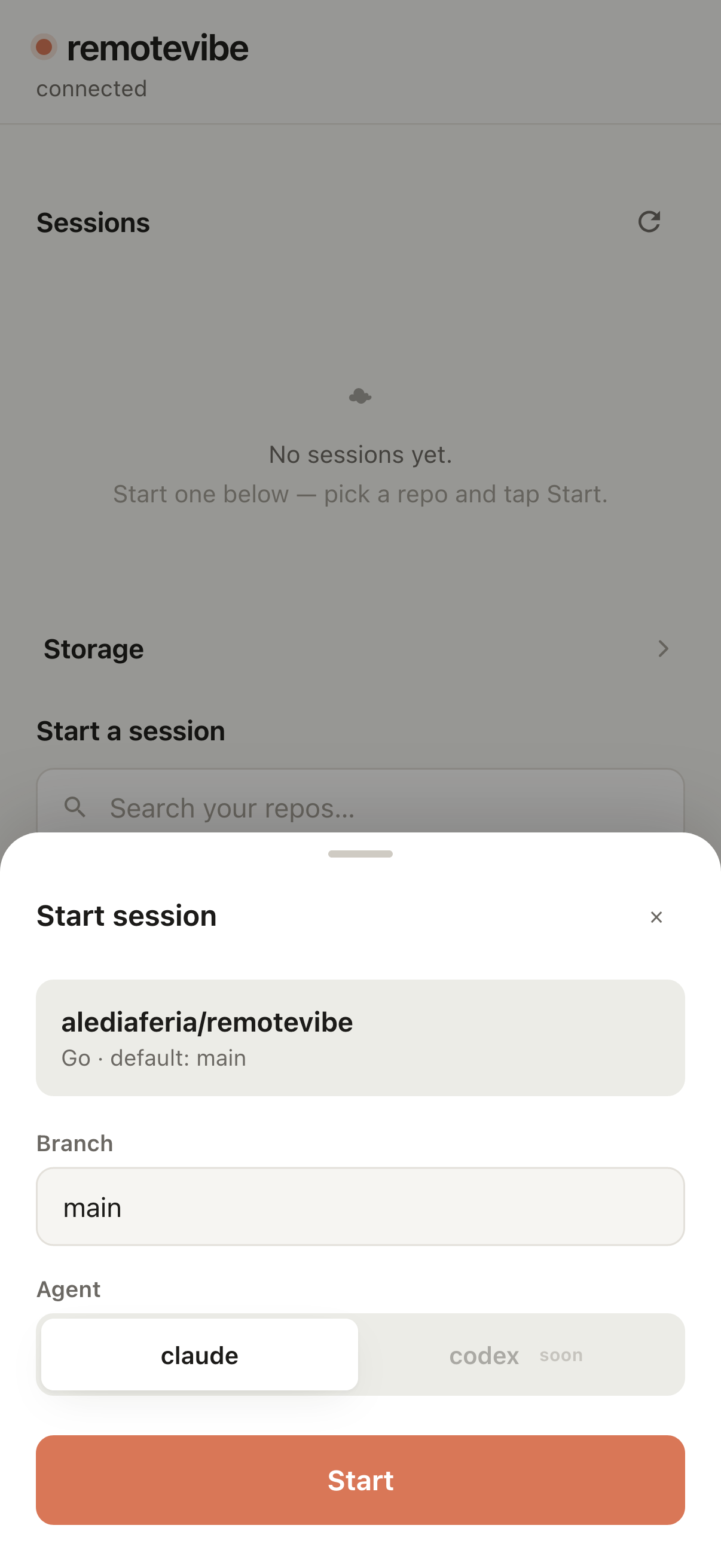
Once you do that once, you’re good to go. Starting a new session is as easy as picking your repo and clicking start.
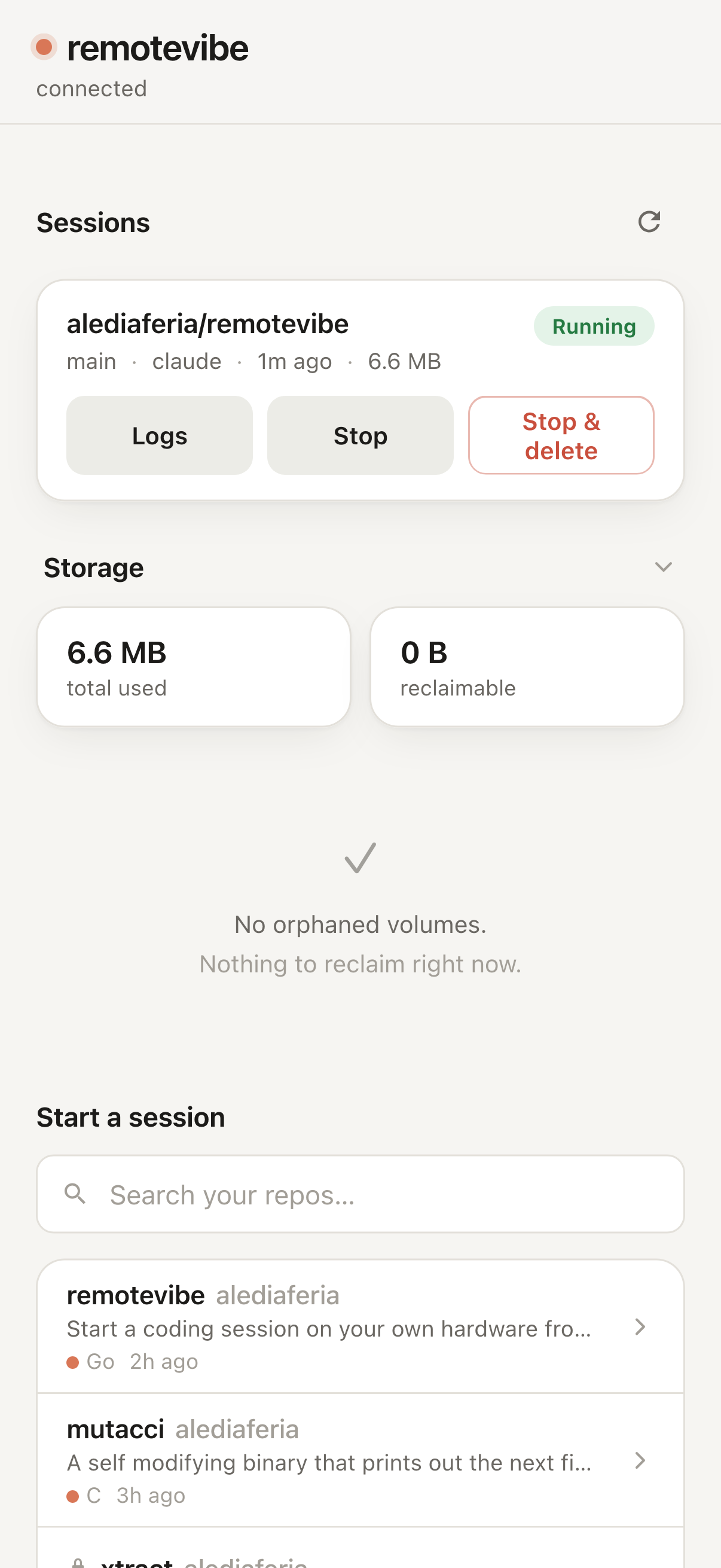
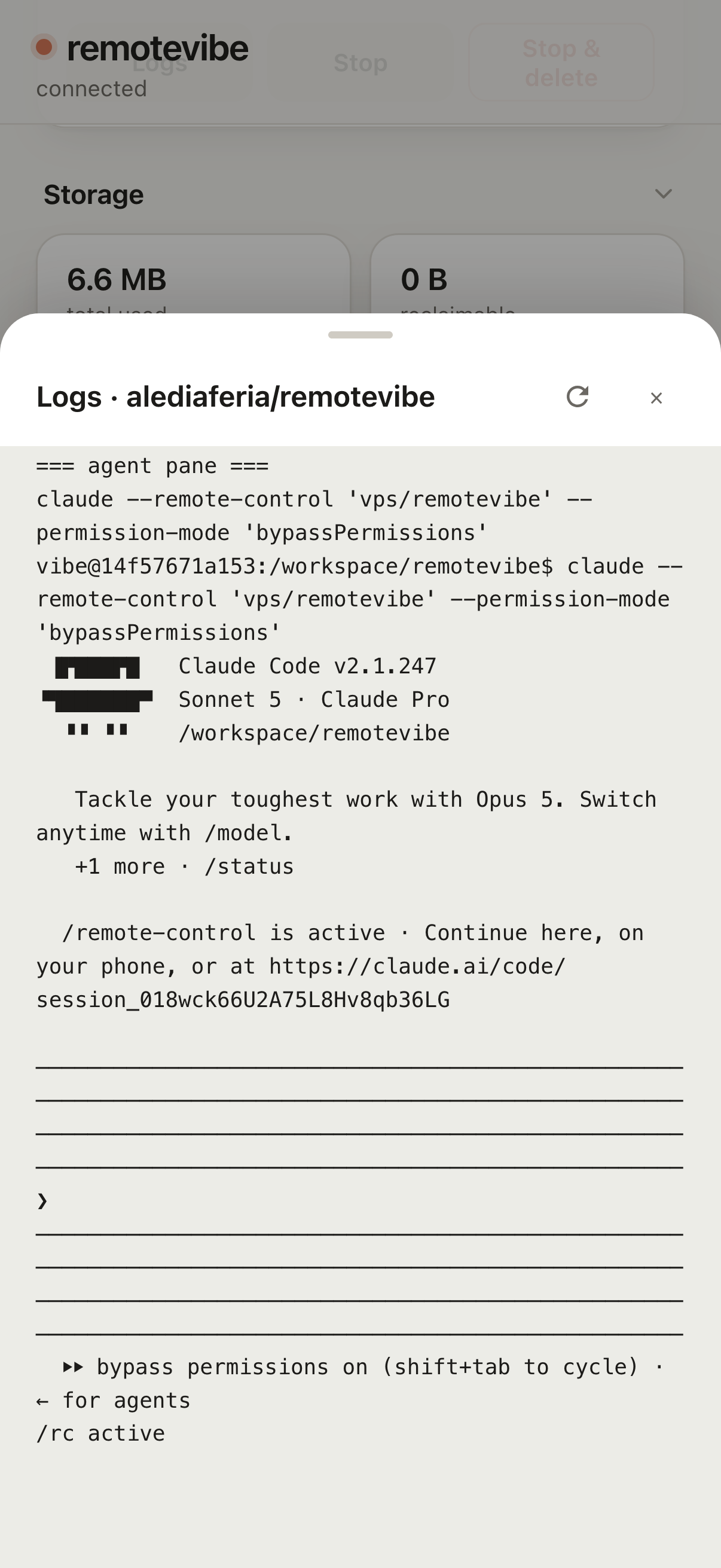
From there you can easily manage your active sessions, check out the impact on storage, and monitor your logs. And then, once you’re done, you can delete your session.
Wrapping up
This was really fun to work on. I think the user experience is really as simple as I had it in mind. I’m sure I’ll find gotchas and issues as I use it more but I’m happy with the MVP!
If you’re curious to try it, please do and feel free to contribute: